Note-taking
How to organize research notes and connect ideas across sources
Keep evidence, interpretation, and open questions separate. Build a useful note structure, save cited answers, and create a synthesis note in notebaseAI with examples and screenshots.
- Notes
- Synthesis
- Citations
A useful research note lets your future self answer three questions: where did this idea come from, what does the evidence actually support, and what should I do with it? A saved paragraph without context often fails all three.
This guide combines an organizing method with a real notebaseAI walkthrough. The screenshots use the same fictional urban tree brief as the first-notebook guide. Its observations are practice material, not evidence about an actual city.
1. Give each note a job
Distinguish a source note, a working synthesis, and a question list. A source note records one document’s argument and supporting passages. A synthesis connects several sources around a question. A question list preserves uncertainties and next actions. You can keep these in one notebook without pretending they are the same kind of evidence.
| Note role | Example title | What belongs inside |
|---|---|---|
| Source note | Urban tree brief — observations and limits | What the brief reports, passage locations, and unanswered questions |
| Synthesis note | Shade and measurement — what needs comparing | A comparison of source claims, your interpretation, and conflicting details |
| Question list | Questions for the next reading session | Specific gaps and actions such as checking study period or outcome definitions |
Use titles that help you choose a note without opening it. “Observation versus year-round claim” is more informative than “Important notes.” A consistent title convention can help, but avoid building a complex naming scheme before you have a real retrieval problem.
2. Separate evidence and interpretation
Give copied or paraphrased source material an identifiable location. Keep your response to it in another field or paragraph. Mark uncertainty explicitly: “not reported,” “needs checking,” and “my hypothesis” tell your future self what remains unresolved.
The Cornell note-taking resources are useful for exploring how cues, notes, and summaries can support review. The template here is an original research-workflow adaptation: its central purpose is to keep a claim and its evidence traceable.
3. Save a checked answer in the app
Download the urban tree practice PDF. This one-page brief is fictional teaching material, not a published study. Use it to practice the controls and evidence checks without uploading private documents.
Open a notebook with the practice brief ready and selected. Ask what its observations support and which conclusions remain uncertain. Open the answer’s citations and compare them with the actual passages before saving. The first-notebook walkthrough demonstrates those preceding steps.
Choose Save to note beneath the completed answer. Open the resulting item in Studio. The app identifies saved responses as view only; this preserves the saved answer rather than making it a place to silently rewrite what the assistant said.
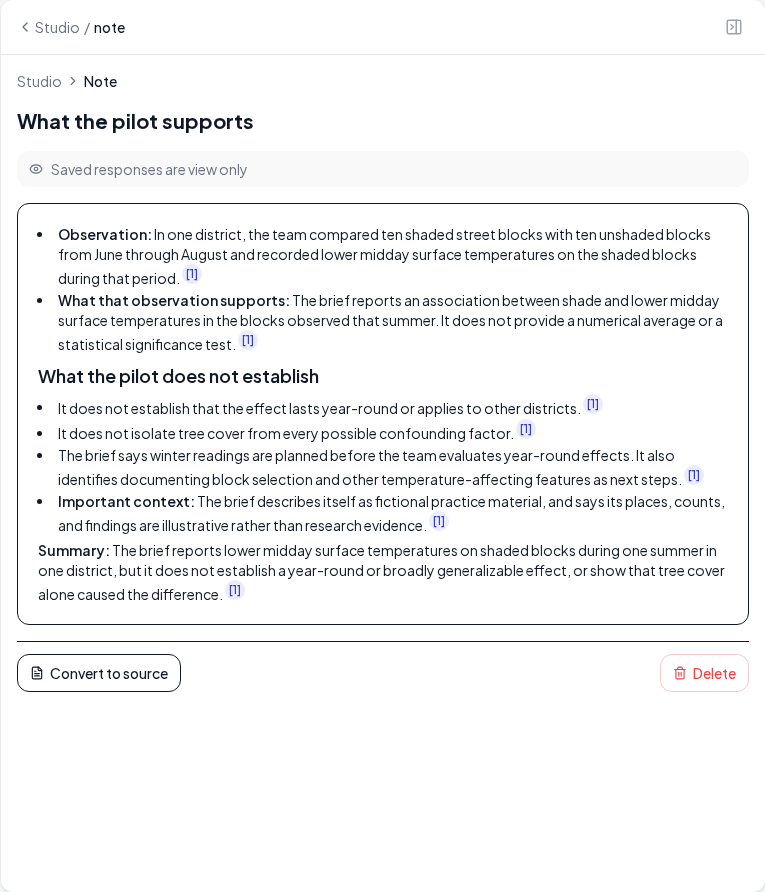
A citation in a saved answer still needs reading. The act of saving does not promote a tentative explanation into established evidence. If you find a mistake, record the correction and the supporting source rather than relying on a familiar saved paragraph.
4. Create an editable synthesis note
Return to the Studio list and choose Add note. Give the note a descriptive title. Use the editor to separate observations, interpretation, and open questions. You can add headings and lists with the toolbar; prioritize a structure you will actually maintain.
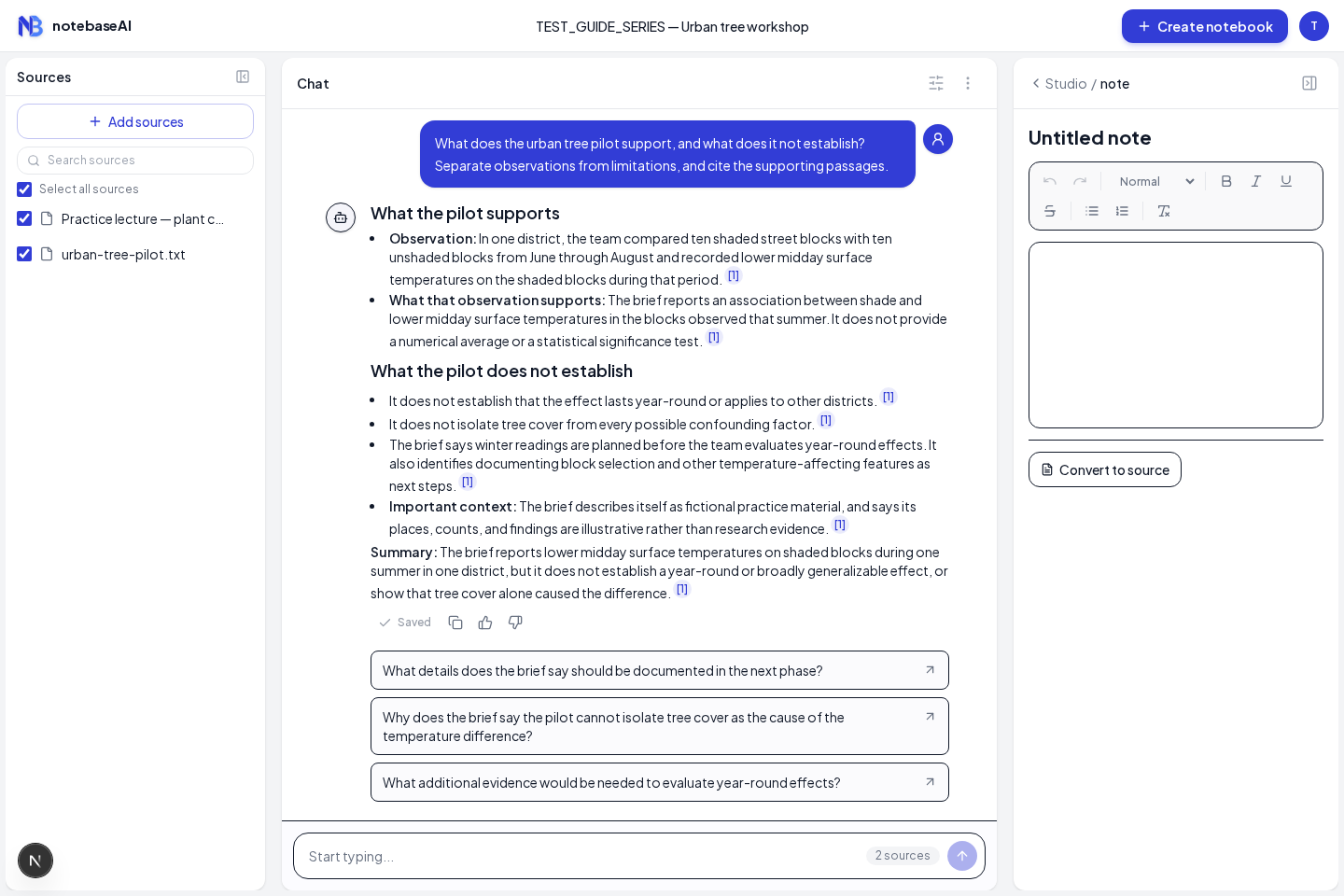
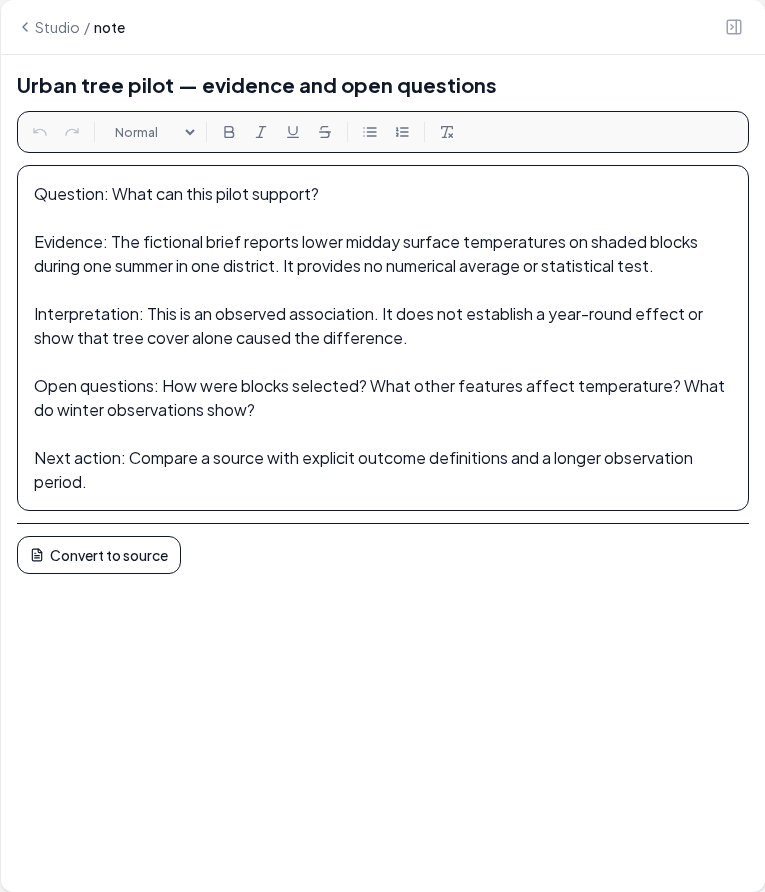
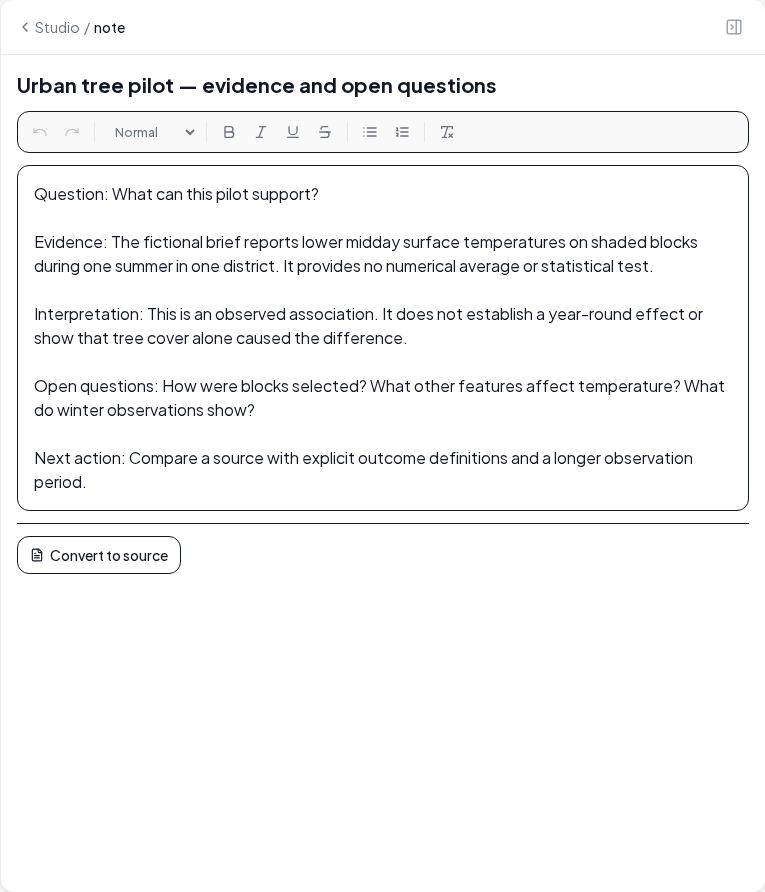
The editor saves after a short pause while you type. Before closing the workspace, pause, return to the Studio list, and reopen the note to confirm that the title and content persisted. Do not assume a visible edit was saved if you left immediately or saw an error.
5. Connect ideas across sources
When you add another source, connect a precise claim rather than a broad topic label. “Both mention trees” is a weak connection. “Both discuss seasonal limits, but one measures air temperature and the other surface temperature” identifies a comparison you can investigate.
| Relationship | What to write | What to avoid |
|---|---|---|
| Agreement | The selected passages point in the same direction for the same outcome | Calling two different outcome measures a replication |
| Disagreement | The findings diverge; check population, measurement, setting, and period | Assuming one paper must be wrong before examining the designs |
| Background | This source explains a mechanism that could help interpret the observation | Treating a plausible mechanism as direct evidence of the observed effect |
| Open question | This comparison needs a missing detail or a third source | Filling an empty matrix cell with an invented explanation |
Include a short reason for each connection and a passage reference for each source. If you use a notebook link, pasted title, or ordinary text reference, make sure your future self can locate the item. This guide does not assume an automatic backlink or a special linking syntax in the note editor.
For a larger comparison, use the literature-review matrix. Your notes become the evidence trail behind the paragraphs rather than a separate pile you have to reconstruct later.
6. Reuse a note without losing provenance
The note view offers Convert to source when the action is available. This makes the note usable as source material in the notebook. It is helpful when you deliberately want later questions or generated materials to use your synthesis.
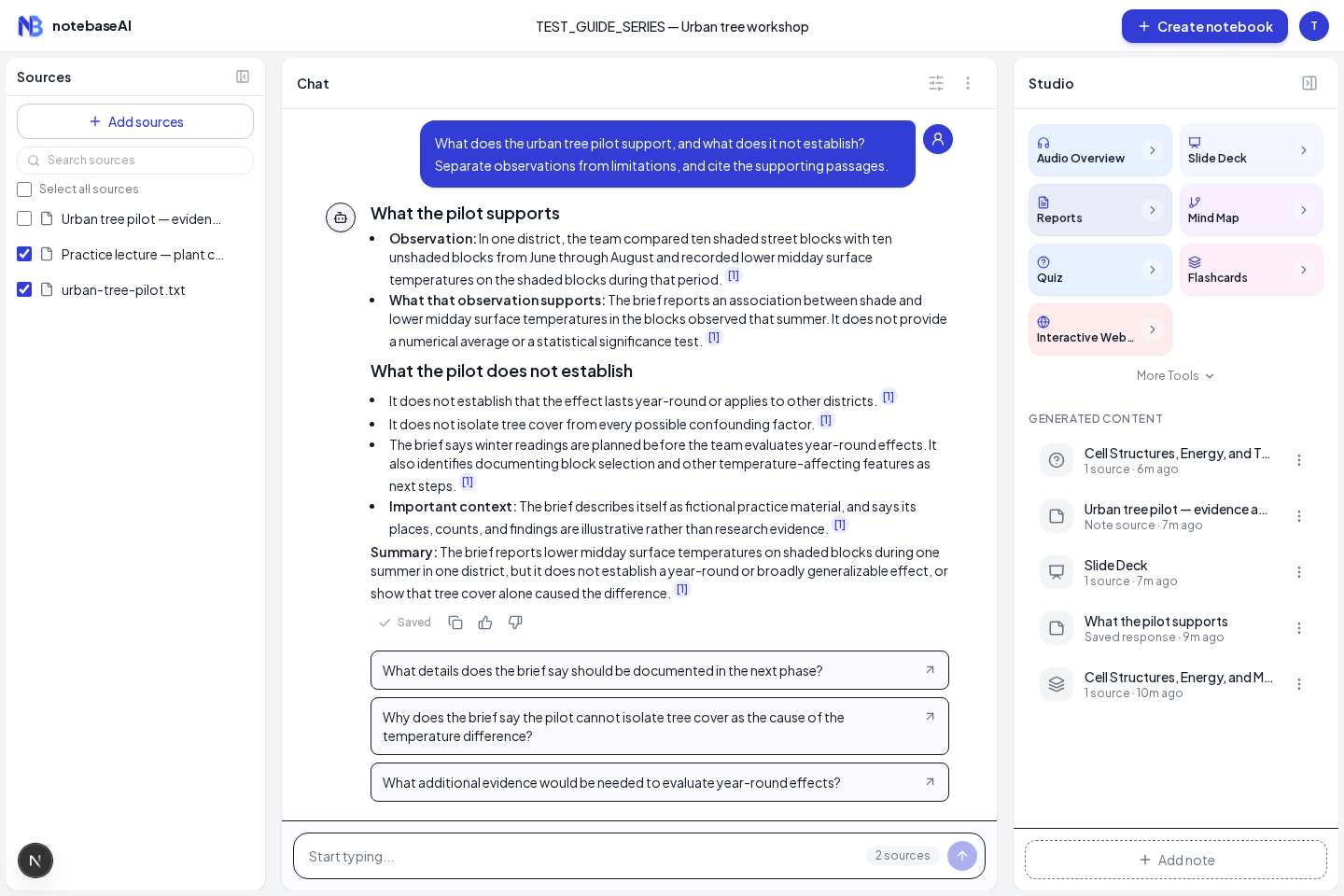
Make that choice consciously. A note derived from three papers is not a fourth independent study. Converting an AI answer into a source and asking AI to repeat it can create a loop in which an interpretation starts to look like original evidence. Keep the original sources and the note’s derivation clear, and check which source checkboxes are selected for later requests.
If you only want to keep a planning note, leave it as a note. There is no need to convert every item. Your review question should determine which material belongs in the next source set.
7. Keep the collection usable
At the end of a reading session, check whether your key note titles are meaningful, your most important claims have locations, and your open questions have specific next actions. Consolidate duplicates when you can do so safely, but preserve the context that explains why a claim changed.
A practical test is to reopen a note a week later and explain its purpose without rereading the whole source. If you cannot tell which statements came from the author and which came from you, repair that distinction before using the note in a report or presentation.
Continue with building a presentation you can verify, or turn specific knowledge gaps into practice using the study-materials walkthrough.